Stay / Inquiry desk
Stay inquiries and availability
Choose dates, guests and a room. Check fictional availability, then confirm or cancel the inquiry in the business view.
- 01Dates and room
- 02Inquiry review
- 03Sample confirmation
TRY IT
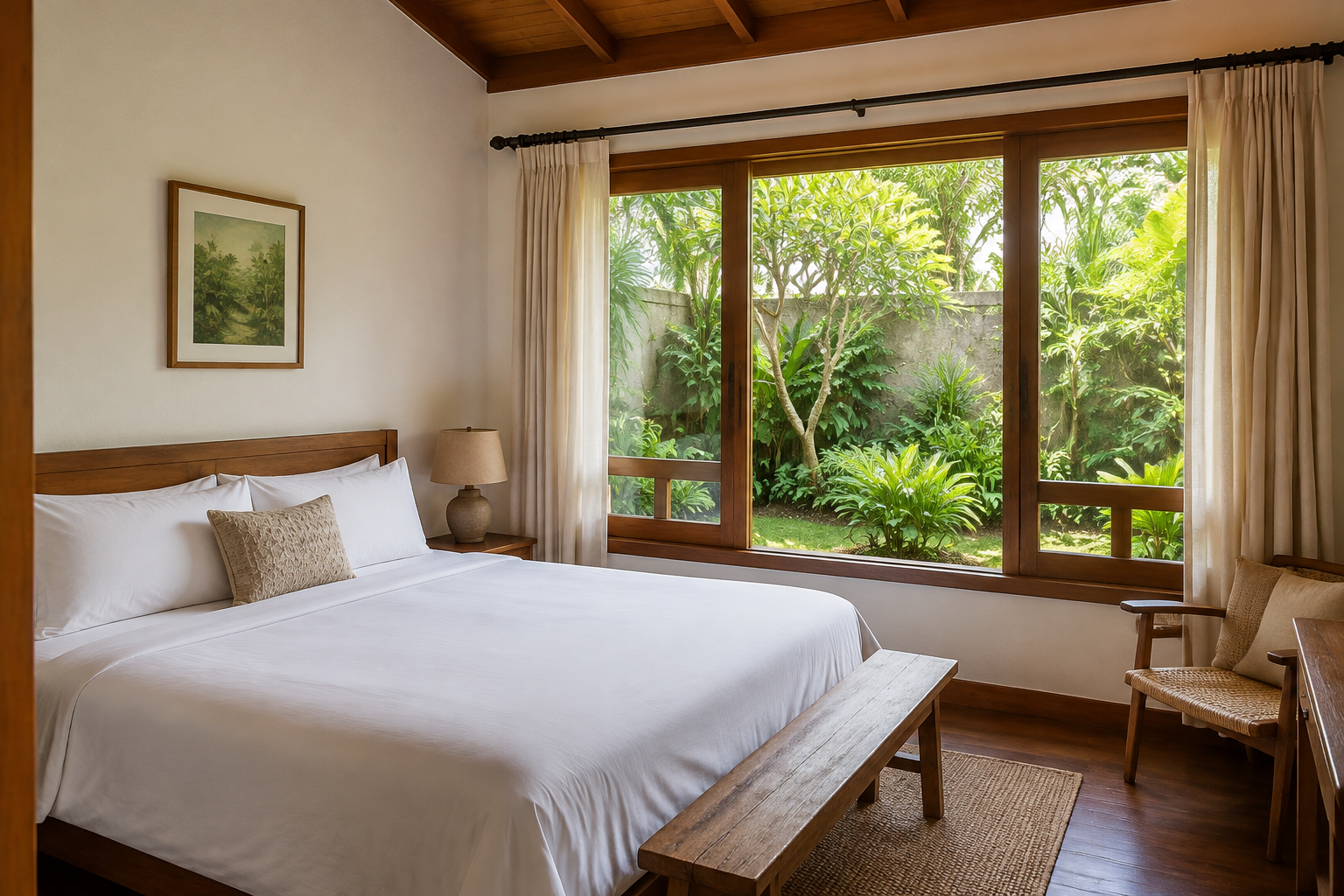
Select the garden room for 8–10 October. Confirm the inquiry and try booking those dates again; cancel to release the room.
Sample rooms2
Pending inquiries0
Sample confirmations1
What works in this demo
- Overlapping nights and excess guests are blocked.
- Cancellation releases the room on the calendar.
- Nights and illustrative prices are calculated together.
Adapt it to your business.
This is not a real client project. Records stay only in this page’s memory; no inquiries, messages or payments are sent. Real user accounts, persistent records and integrations are developed as part of a project.
Discuss this need ↗ (new tab)